News detail


RDNet 5.6 and Mandatory XPS Firmware Update
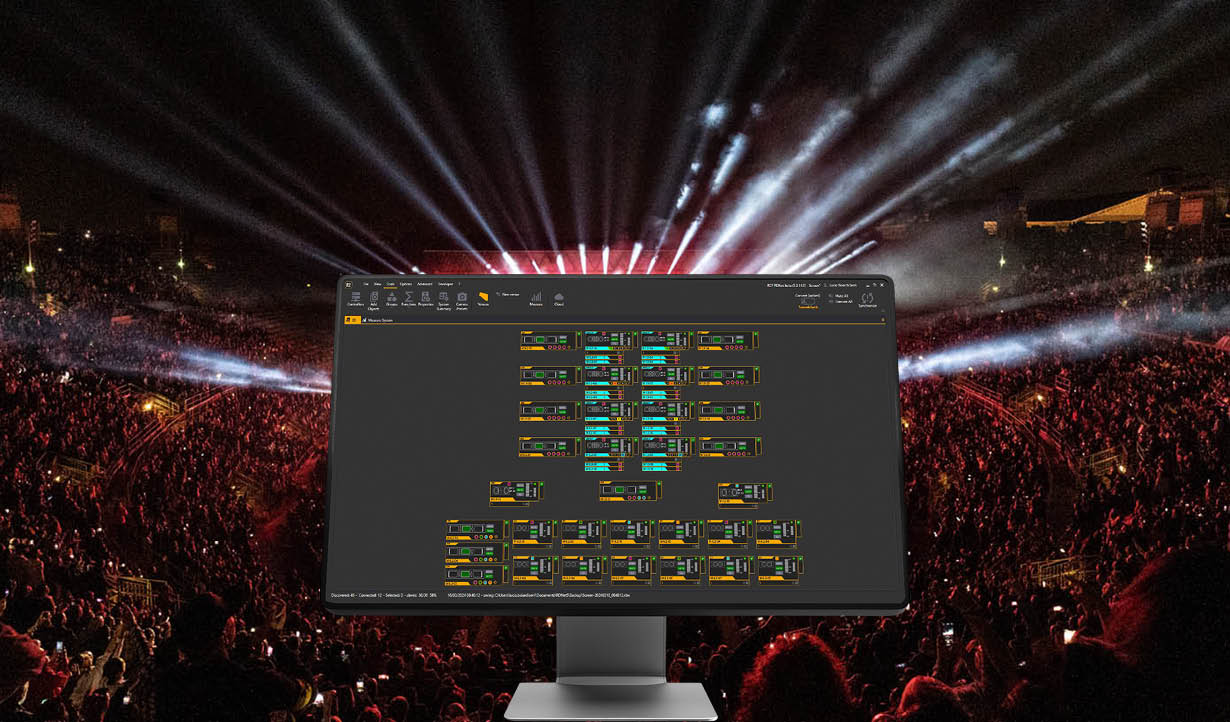
RDNet 5.6.0.0 introduces an important firmware update for XPS Series amplifiers. The update includes a new bootloader designed to resolve XPS boot-related errors.
IMPORTANT: Update All XPS Amplifiers
After you install RDNet 5.6.0.0, update all XPS amplifiers before you use them for normal RDNet control.
XPS amplifiers with an earlier firmware version cannot be controlled from the RDNet synoptic workspace. RDNet shows these amplifiers greyed out with a pink border.
NOTE
You can still update the firmware of an amplifier in this state.
The update order is mandatory:
- Application firmware
- Bootloader firmware
The bootloader update can start only after the compatible application firmware is installed.
Update the XPS Firmware
For each affected XPS amplifier:
- Drag the amplifier into the RDNet workspace.
- Start the standard firmware update procedure.
- Select and install the application firmware.
- Wait until the application firmware update is complete and the amplifier restarts.
- Start the firmware update procedure again.
- Select and install the corresponding BOOTLOADER_UPDATE firmware.
- Wait until the bootloader update is complete and the amplifier restarts.
CAUTION
Do not turn off the amplifier or disconnect it while a firmware update is in progress. Do not interrupt the bootloader update. An interrupted bootloader update can prevent the amplifier from starting correctly.
XPS 16K |
XPS 4K |
|
| Application firmware: | Application firmware: | |
| RDU00061Y.RDU | RDU00099Y.RDU | |
| Bootloader firmware: | Bootloader firmware: | |
| RDU00061Y-BOOTLOADER_UPDATE.RDU | RDU00099Y-BOOTLOADER_UPDATE.RDU |
If the Bootloader Update Does Not Start
If RDNet reports an error before the bootloader update starts:
- Update the application firmware again.
- Wait until the application firmware update is complete.
- Start the bootloader update again.
Update the Speaker Libraries
After you complete both firmware updates, we recommend that you send the speaker libraries to the amplifiers again using the standard Library Manager procedure:
Create→Save→Send
RDNet 5.6.0.0 includes AudioLibs v26.9.22.
Additional RDNet 5.6 Updates
RDNet 5.6.0.0 also introduces:
- Support for the new XPS 4K amplifier
- New Flat audio library for XPS 16K and XPS 4K
- New OSC-controlled output function in the XPS GPIO configuration
- Support for newly released speaker models
- New KXM 25-A firmware
- Bootloader firmware management within the standard firmware update workflow
- Updates and improvements to XPS functionality
The update can be performed directly from your current installation, or you can download the latest RDNet version from the official TT+ Audio / RCF software download page.


